https://support.apple.com/accessibility?cid=gn-ols-accessibility-psp-helpful_topics
Add the accessibility features that you use the most, and access them quickly with the Accessibility Shortcut.
AssistiveTouch Switch Control Guided Access Voice Control
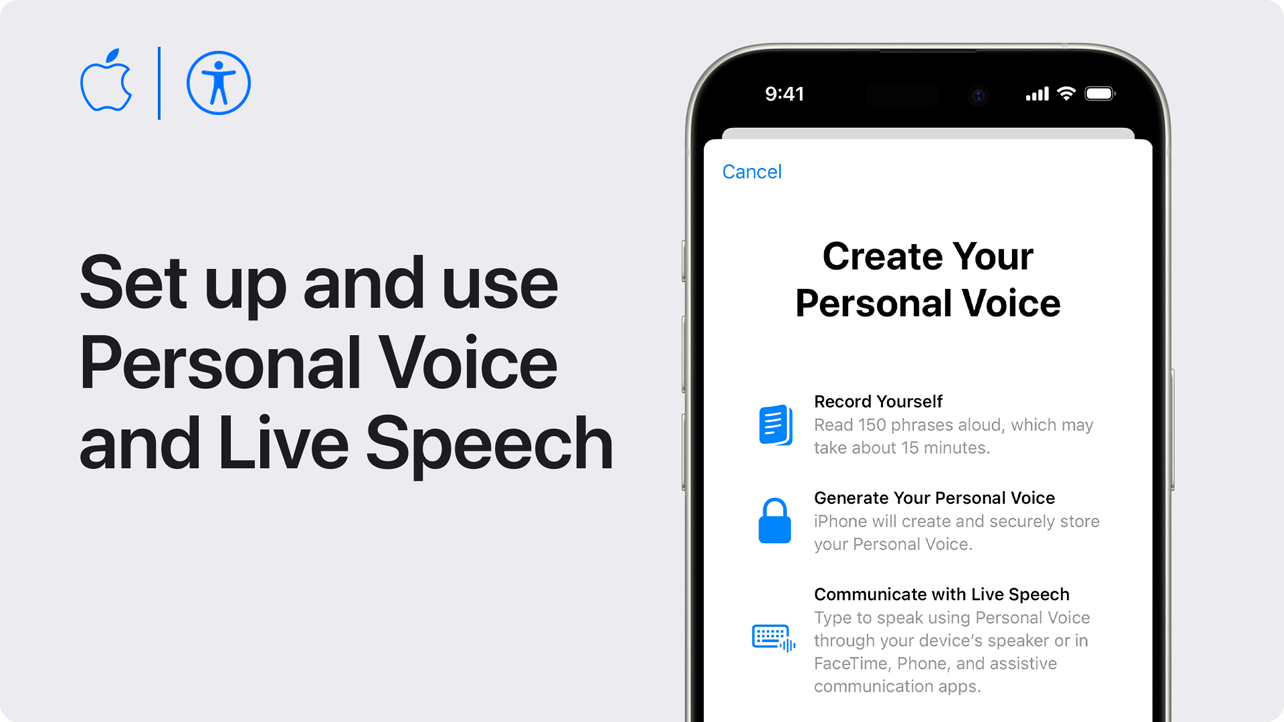
You can create a Personal Voice that sounds like you, then use it with Live Speech to type to speak in FaceTime and phone calls, assistive communication apps, and in-person conversations.*
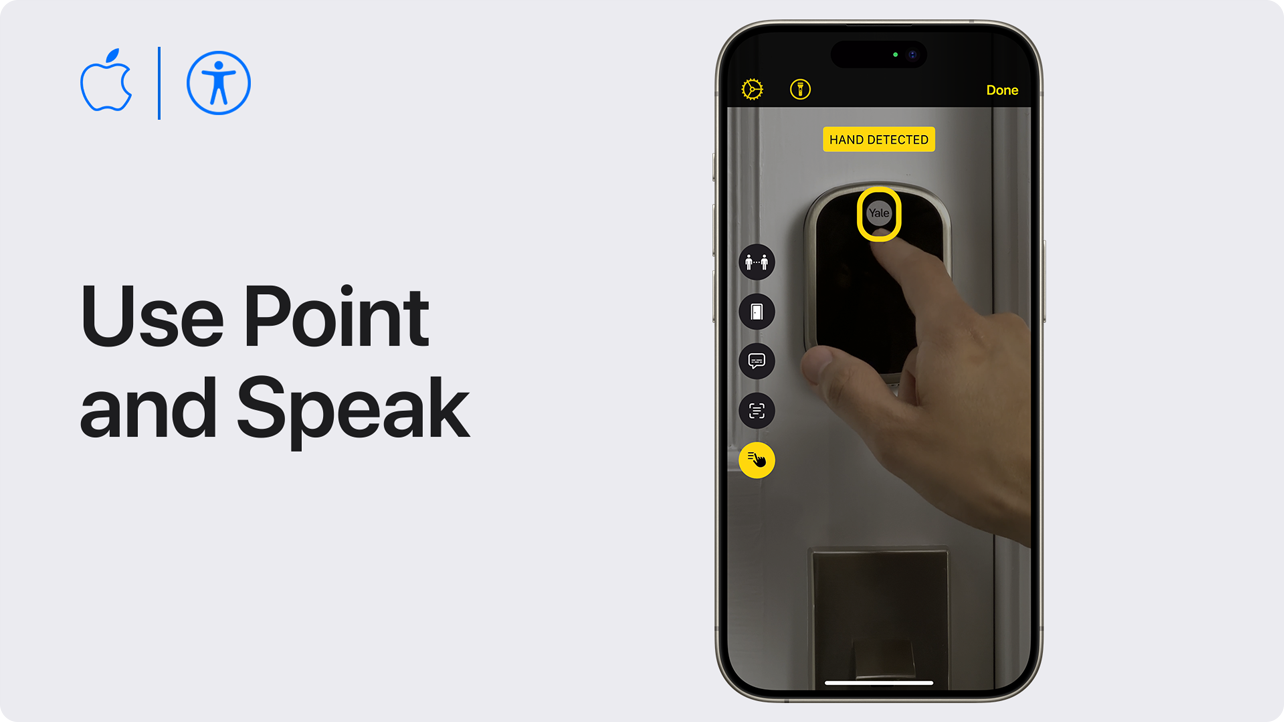
If you are blind or have low vision, Point and Speak on your iPhone or iPad can make it easier for you to interact with physical objects that have text, like household appliances, keypads, or labelled files.
Find more Apple Accessibility videos
Download a Unified English Braille user guide file (.BRF) for your device: Mac, iPhone, Apple Watch, Apple TV, HomePod, or Apple Vision Pro.
With VoiceOver, you can hear what's happening on your screen, and navigate with simple gestures. Learn how to use VoiceOver on your iPhone, iPad, or Mac.